How to Create a Digital Art Display in Your Home
Digital artwork makes it possible to refresh a room without replacing every frame, repainting the walls, or committing to one permanent arrangement. A screen can host photography, illustration, painting, animation, and carefully selected personal images while taking up very little physical space.
The best results come from treating the display as part of the interior rather than as a piece of technology. Consider its scale, brightness, viewing distance, and relationship to nearby furniture just as you would when hanging a framed print or building a gallery wall.
A well-planned digital art display can suit a minimalist bedroom, a contemporary living room, or even a compact hallway. With the right equipment and a thoughtful rotation schedule, it becomes an adaptable focal point that keeps the room feeling considered.
Choose The Right Display
A dedicated digital canvas, high-resolution monitor, smart television, or tablet can all work as a home art screen. Dedicated art displays usually have matte surfaces, slim profiles, and sensors that adjust brightness, helping images resemble printed artwork. A television may be more affordable, especially if it already sits in the room, but its glossy screen and visible interface can make the effect less convincing.
Size should follow the wall and the furniture beneath it. A screen that is too small may look accidental above a wide console, while an oversized display can dominate a quiet bedroom. Measure the available wall area, then consider the typical viewing distance before selecting a screen.
Colour accuracy is particularly important for digital paintings and photography. Look for a display with strong contrast, natural skin tones, and adjustable colour temperature. A warm setting is often more comfortable in the evening, while accurate neutral tones help artwork retain its intended character during daylight.
Plan The Wall Composition
Think of the screen as an artwork with a frame, even if it has a frameless design. It should have breathing room around it and a clear visual relationship with lamps, shelves, plants, and other wall décor. Mounting it at the same centre height as nearby artwork can make a mixed arrangement feel intentional.
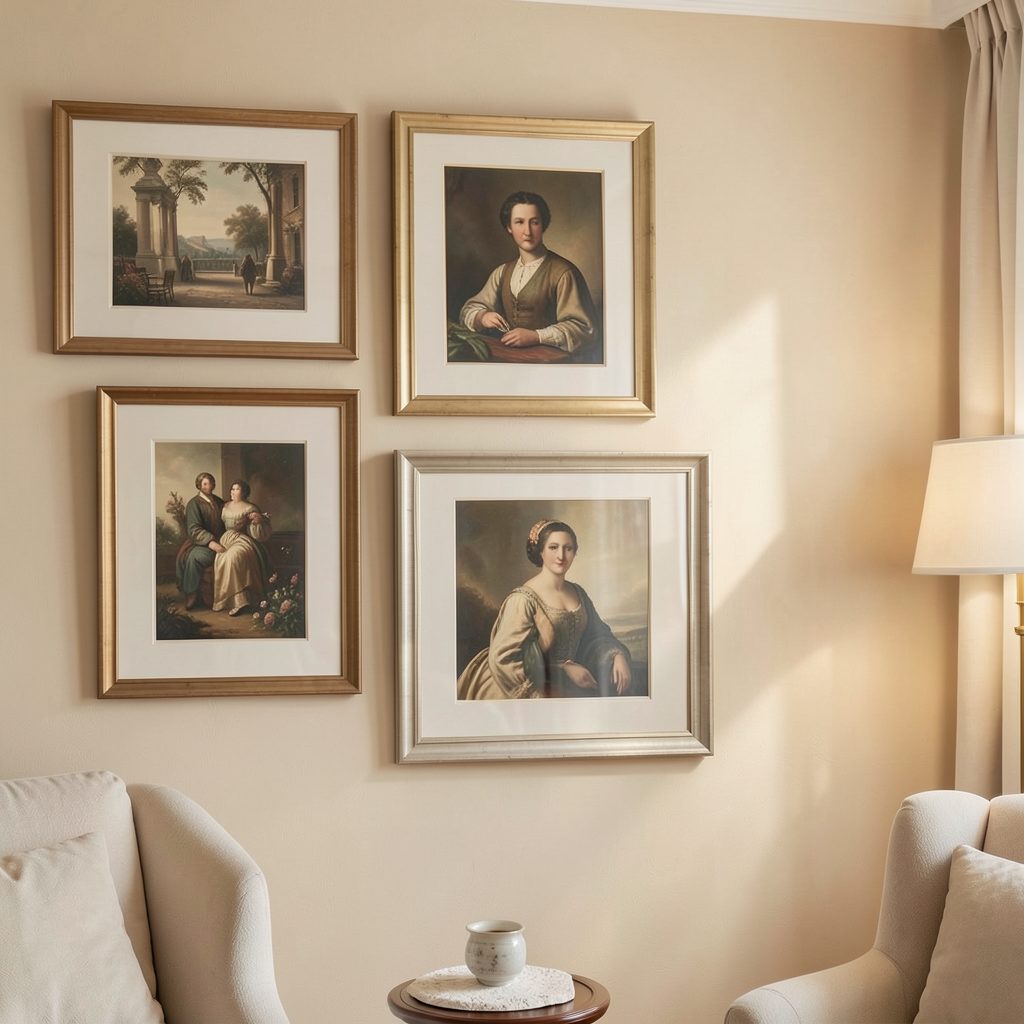
A slim frame or interchangeable bezel can help a digital screen blend into a traditional interior. Black creates a graphic outline, oak adds warmth, and white tends to disappear against a pale wall. If you are combining digital and physical pieces, use a shared colour or subject theme to create continuity; this gallery wall guide offers useful principles for bringing varied artwork together.
Avoid placing the screen where direct sunlight creates glare or where a ceiling light reflects across the image. A wall opposite a window may need curtains or blinds during bright hours. Test the position from the main seating area and from the entrance to the room before drilling or fixing cables.
Build A Cohesive Art Rotation
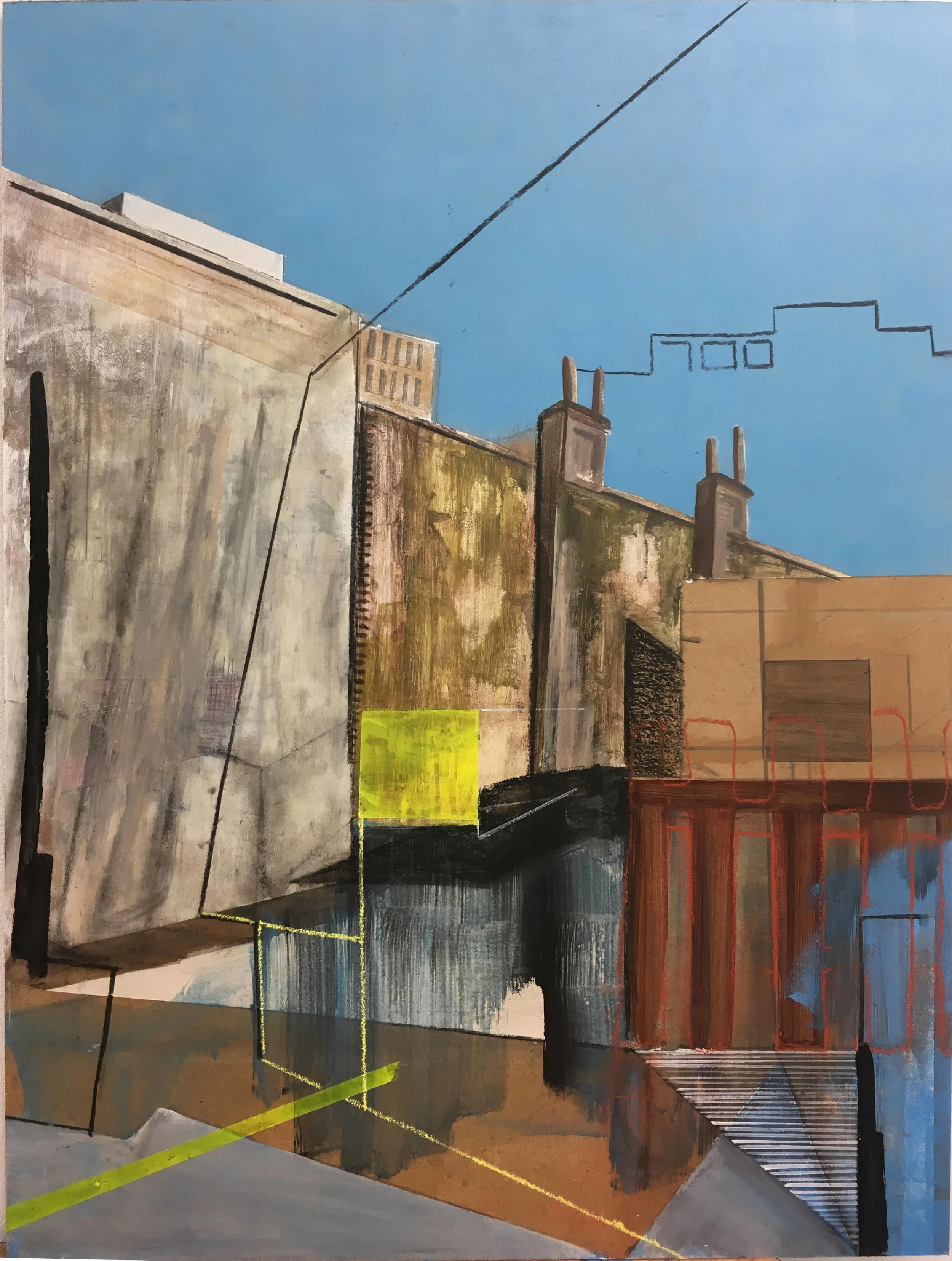
A digital collection benefits from editing. Instead of loading hundreds of unrelated images, select a group with a shared mood, palette, subject, or artistic style. Soft botanical studies can support a calm bedroom, while bold abstracts may suit a dining area or creative workspace.
Create separate playlists for different times of day or seasons. A quiet sequence of monochrome photographs can work in the morning, while richer colours and atmospheric landscapes may feel inviting in the evening. Keep transitions slow and subtle so the display feels like changing art rather than an active presentation.
| Display option | Best for | Main advantage | Detail to consider |
|---|---|---|---|
| Dedicated art screen | Living rooms and bedrooms | Designed to resemble framed artwork | Higher initial cost |
| Smart television | Large walls and flexible budgets | Doubles as entertainment equipment | May show reflections or interface elements |
| High-resolution monitor | Desks and compact spaces | Sharp image quality | Often needs a separate stand or mount |
| Tablet display | Shelves and small corners | Portable and easy to update | Limited scale and brightness |
| Projector | Large temporary installations | Creates an immersive effect | Needs controlled lighting and clear wall space |
The display should rest periodically rather than changing too frequently. A rotation of five to fifteen minutes per image usually allows each piece to be appreciated. For a more gallery-like atmosphere, select one work and leave it visible for several hours or an entire day.
Manage Light, Sound, And Cables
Brightness is one of the easiest ways to make digital artwork feel artificial. Set the screen just above the room’s ambient light during the day, then lower it at night. Automatic brightness can help, but review the result after sunset because some sensors make images too dim or too vivid.
Sound should generally remain off unless the artwork is specifically designed as an audiovisual installation. Silent movement is less distracting in a home and allows the screen to sit comfortably alongside conversation, reading, or television. If sound is essential, keep the volume restrained and use a directional speaker where possible.
Cable management has a major effect on the finished look. Conceal wires inside a trunking channel, route them behind furniture, or have them installed within the wall by a qualified professional. Leave enough ventilation around the device, especially if it is mounted above a radiator or enclosed inside a cabinet.
Protect Digital Art In Humid Rooms
Bathrooms, kitchens, and utility spaces require extra care because moisture can shorten the life of electronics and damage physical artwork. A digital screen should be rated for the intended environment, positioned away from direct steam, and connected safely according to local electrical requirements. A standard living-room television may not be suitable beside a shower or bath.
For rooms with changing humidity, choose sealed equipment and avoid placing it where condensation regularly forms. A carefully selected framed print may be a better choice in some locations; these ideas for bathroom-ready art explain how to select work that can cope with damp conditions.
In a kitchen, keep the display away from cooking splashes, grease, and intense heat. A small screen on a side wall can provide visual interest without competing with the work surface. Always clean the screen with a soft, dry microfibre cloth and follow the manufacturer’s instructions rather than spraying liquid directly onto it.
Make It Personal And Easy To Update
Digital art is most effective when it reflects the people and atmosphere of the home. Mix museum-quality public-domain works with independent artists, personal photography, or commissioned illustrations. A consistent visual edit will make a varied collection feel purposeful rather than like a random slideshow.
Keep original files backed up in two locations and use high-resolution images suited to the screen’s dimensions. Check licensing before displaying downloaded artwork, particularly if the screen is visible in a business, rental property, or shared communal space. Artist platforms, galleries, and reputable image libraries are safer sources than unattributed image collections.
If the display inspires a deeper interest in collecting, explore local exhibitions and emerging artists through art gallery resources. Updating the playlist every few months can then become part of a wider habit of discovering new work, rather than simply changing a screensaver.
Curate Your Display With Care
- Match the screen’s proportions to the wall and furniture below it.
- Use a restrained collection with a shared mood or colour palette.
- Adjust brightness and warmth as natural light changes.
- Conceal cables and keep ventilation clear around the device.
- Rotate artwork slowly enough for each image to remain engaging.
A digital display can give a home the atmosphere of a small private gallery while remaining flexible enough for everyday life. Select the equipment carefully, edit the artwork with intention, and give the installation the same attention you would give to a framed original. Subscribe to Focus LDN for more considered ideas on gallery walls, artwork presentation, and stylish rooms.